Guides
Youtube channel production workflow for people who want the details
A YouTube production workflow runs from idea to publish in named steps, with a tool and an owner at each stage plus a simple tracker you can check.
What to take away
- A YouTube channel production workflow is only real when every stage names its tool, its owner and the record it leaves behind.
- The eight stagesidea capture, research, scripting and capture. Then edit, packaging, publish and post-publish review.
- Free tiers carry most of a small channelGoogle Docs, Notion, Trello, Canva and YouTube Studio.
- Frame.io, Descript, TubeBuddy and vidIQ earn their fees once review comments or title research start costing you a day.
- Packaging decides most click-through, so the thumbnail, title and description get reviewed before the edit locks.
- Every stage ends with something you can open latera board card, a source list, a version history, a locked cut, a scheduled upload.
This article describes how a channel is run. It is not legal, copyright, endorsement, privacy or tax advice, which all depend on your content, audience, sponsors and location. Confirm current requirements with YouTube and qualified counsel.
The eight stages, in order
Each stage names its tool, its owner and the record it leaves behind. On a solo channel one person holds every role; the questions at the end split the work for two people. Prices below are typical list prices, which sales and bundles move.
Eight Production Stages
- Idea capture
- Research and rights check
- Scripting
- Capture
- Edit
- Packaging
- Publish
- Post-publish review
- Idea capture.Owner: the channel lead. Every pitch lands in one board with a working title, the audience it serves and the format. Notion's free plan covers personal use, and Trello's free plan allows 10 boards per workspace. A shared spreadsheet works too. Typical: 15 minutes per idea.
- Research and rights check.Owner: the researcher. Sources go in a Google Docs file with links and dates, and Google Docs is free with any Google account. Music, footage and image licenses get recorded here, before anyone writes a line. Typical: 1 to 2 hours per video.
- Scripting.Owner: the writer. A script states the promise in the first thirty seconds and the payoff at the end. Google Docs suggestion mode keeps the revision history, so approval is a timestamp rather than a memory. Typical: 1 to 2 days.
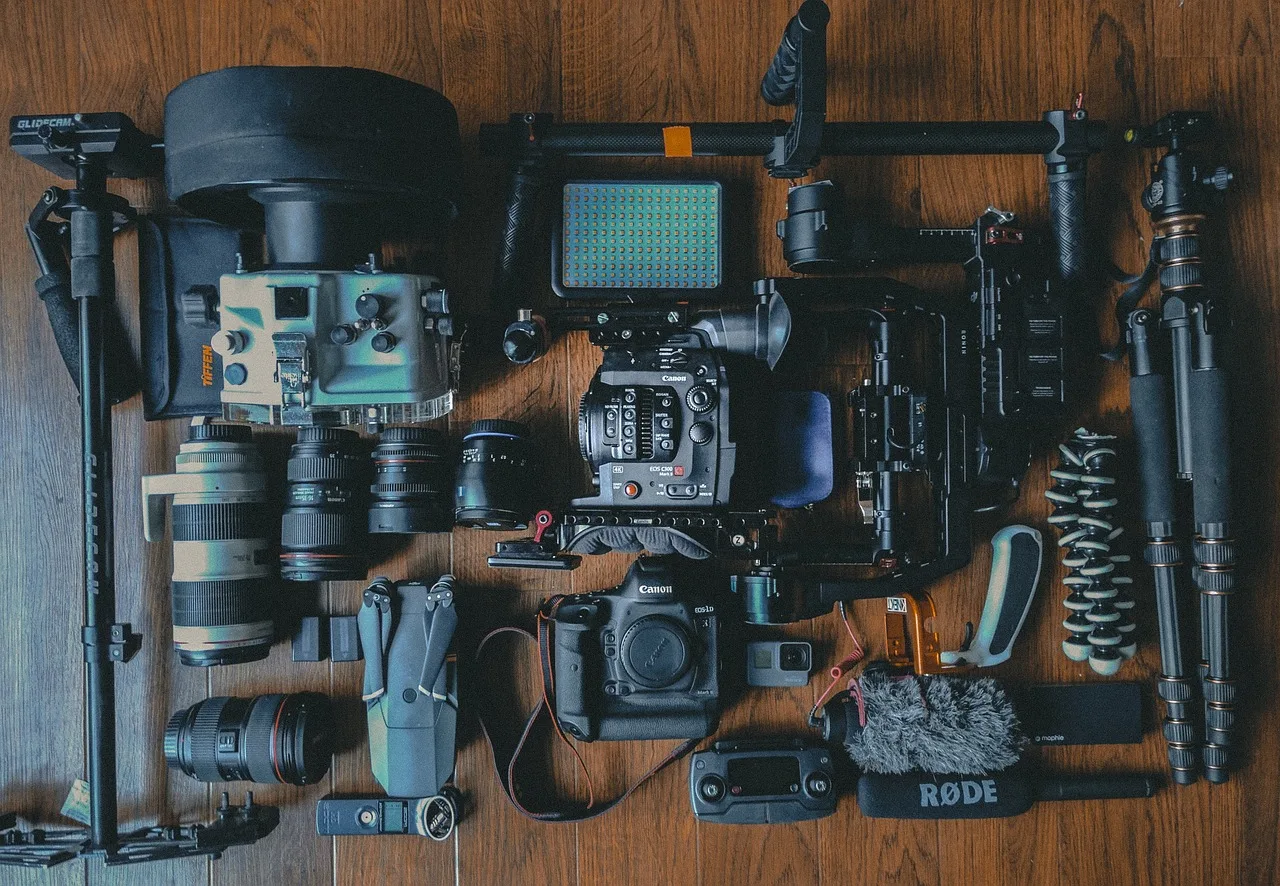
- Capture.Owner: the shooter. Camera, audio and lighting are set to a written standard. Rode's VideoMic GO II runs about $99, the Shure MV7 about $249, and Deity's V-Mic line sits in the same $100 to $250 band. A phone camera is fine if the light is. Typical: 2 to 3 hours.
- Edit.Owner: the editor. Rough cut first, then picture lock. Adobe Premiere Pro's single-app plan runs about $23 a month; DaVinci Resolve is free, and Resolve Studio is $295 one time. Frame.io and Descript let a reviewer comment on a timestamp instead of describing a moment. Frame.io keeps a free tier for small teams, and Descript's paid tiers start around $12 a month on annual billing. Typical: 2 to 3 days.
- Packaging.Owner: whoever owns the thumbnail. Thumbnail, title and description are drafted before the edit locks. Canva's free plan builds thumbnails, and Canva Pro runs about $15 a month. TubeBuddy and vidIQ score titles and tags against competitors, and both sell paid tiers under $10 a month on annual billing. Typical: 2 to 4 hours.
- Publish.Owner: the publisher. Upload, set visibility, schedule, add end screens and cards, then pin the first comment. YouTube Studio holds the schedule and the metadata and costs nothing. Typical: 30 minutes.
- Post-publish review.Owner: the channel lead. At 24 hours and 7 days, read retention, click-through and comments, then write one change for the next video in the same doc as the script. Typical: 30 minutes at 24 hours and 30 minutes at 7 days.
What each stage leaves behind
A stage that leaves no record cannot be reviewed, so it cannot be improved. The record is the point.
| Stage | Tool | Record |
|---|---|---|
| Idea capture | Notion or Trello | Board card with working title, audience and format |
| Research and rights check | Google Docs | Source list with links and dates, plus license notes |
| Scripting | Google Docs | Script with revision history and an approval timestamp |
| Capture | Camera and audio kit | Footage folder and a written audio and lighting standard |
| Edit | Premiere Pro or DaVinci Resolve | Locked cut plus the comment history |
| Packaging | Canva, TubeBuddy or vidIQ | Thumbnail file, title and description drafts |
| Publish | YouTube Studio | Scheduled upload with end screens and a pinned comment |
| Post-publish review | YouTube Studio analytics | One written change for the next video |
Stage Records Checklist
- Idea captureboard card with title, audience, format
- Researchsource list with links, dates, licenses
- Scriptingversion history and approval
- Captureshot list and audio settings
- Editlocked cut and comment thread
- Packagingthumbnail files and title variants
- Publishscheduled upload and metadata
- Post-publish review24-hour and 7-day notes
Where the workflow breaks
Most channels do not fail at filming. They fail at packaging, because the thumbnail and title wait until the edit is done and everyone is tired.
Workflow Break Points
Does packaging wait until the edit is done?
thumbnail and title are rushed
packaging runs alongside the edit
The second break is research without a rights record. A clip whose license nobody wrote down becomes a takedown question later, and that is a matter for YouTube's procedures and for counsel, not for a workflow document.
The third is a stage with no owner.
Build the calendar around the stages
The stages set the cadence. If scripting takes four days and editing takes three, a weekly upload needs both running at once, which means two videos in flight at any time.
Weekly Upload Cadence
- Days 1-4Scripting
- Days 4-7Editing
- Shooting blocksPlanned first
- PackagingAfter edit
- PublishWeekly
Plan the shooting blocks first, because they are the hardest to move. Then work backward to scripting and forward to packaging. A content calendar built around your production stages keeps those blocks visible.
The tracker below is the one the summary refers to: one row per stage, with an owner, a tool and a due date.
| Stage | Owner | Tool | Due date |
|---|---|---|---|
| Idea capture | Channel lead | Notion | Day 1 |
| Research and rights check | Researcher | Google Docs | Day 2 |
| Scripting | Writer | Google Docs | Day 3 |
| Capture | Shooter | Camera and audio kit | Day 5 |
| Edit | Editor | Premiere Pro | Day 8 |
| Packaging | Channel lead | Canva | Day 9 |
| Publish | Publisher | YouTube Studio | Day 10 |
| Post-publish review | Channel lead | YouTube Studio | Day 11 and Day 17 |
Days count from the start of one video, so a weekly upload means two copies of this board running at once.
Keep the gear list short. A production setup checklist for a small channel should fit on one page, and anything you have not used in three videos comes off it.
Money and disclosure sit inside the workflow
Monetization is a stage requirement, not a separate business. YouTube's own page on earning money sets out current Partner Program entry rules, available revenue methods, location and age limits, and the policy review a channel passes through: How to earn money on YouTube.
Monetization Thresholds
- 1,000Subscribers
- 4,000Valid public watch hours in 12 months
- 10 millionValid public Shorts views in 90 days
The headline thresholds are 1,000 subscribers plus 4,000 valid public watch hours in 12 months, or 1,000 subscribers plus 10 million valid public Shorts views in 90 days. Check the page before you plan around them.
On Shorts the same eight stages compress: scripting shrinks to a hook and a payoff, capture takes minutes, packaging carries more of the weight, and review runs on views instead of watch hours.
A sponsored segment adds a disclosure step to scripting, not to publishing. The FTC's guide for small business is the reference for what a paid relationship has to make clear: Advertising FAQs: A Guide for Small Business. The disclosure has to be clear in the video itself, not buried in the description.
Neither page tells you what your channel should do. Both tell you what the rulemaker expects, and your counsel tells you how it applies.
Common questions
How long should each stage take?
As a starting point: idea 15 minutes, research 1 to 2 hours, scripting 1 to 2 days, capture 2 to 3 hours, edit 2 to 3 days, packaging 2 to 4 hours. Set a target per stage and track it for a month. Scripting and editing usually run longer than planned; capture runs shorter.
The numbers you get are more useful than anyone else's.
Do I need paid tools to run this?
No. YouTube Studio handles publishing and review, and Google Docs or a spreadsheet covers idea capture and scripting. Notion and Trello cover the board on their free plans. Pay for Frame.io or Descript when review comments start costing you a day.
Who owns the workflow on a two-person channel?
One person owns the calendar and the publish step, the other owns scripting and packaging. Write it down, because the failure mode is both people assuming the other one scheduled the upload.
What do I review after publishing?
Retention at 24 hours, click-through at 7 days, and the comments that ask a question. Write one change for the next video, then make it.