Guides
Four Youtube production decisions to make before the first upload
Production quality on a Youtube channel comes down to four decisions made before the first upload: camera, lighting, sound and export settings.
What to take away
- YouTube publishes its own upload and encoding guidance, including the recommended settings for 1080p and 4K delivery. Check it before buying anything.
- Sound quality decides whether a viewer stays; a $90 lavalier into a phone usually beats a $900 camera with its built-in mic.
- Light the face, not the room. One key light and one fill, or a window and a white wall, is enough to start.
- Shoot and export at the same frame rate. Mixed rates cause stutter that no amount of editing fixes.
- Write the settings down once and reuse them. A channel that changes its look every upload reads as unfinished.
This article covers production decisions for a YouTube channel. It is not legal, tax or safety advice. Equipment rules and platform requirements change, so confirm current guidance with YouTube and with the manufacturer before you commit money.
Start with the four decisions
Production quality comes down to four decisions: what the camera captures, how the subject is lit, how the voice is recorded, and how the file is exported. Get those right on a phone and the channel looks deliberate. Get them wrong on a cinema camera and it looks broken.
Typical prices stay low at the start: a wired lavalier runs about $90, a one-panel LED key light $80 to $300, and a dynamic microphone $100 to $400.
Four decisions before first upload
- Camerawhat the camera captures
- Lightinghow the subject is lit
- Soundhow the voice is recorded
- Exporthow the file is exported
Decide them once, before the first upload. Every later purchase either supports those four or fights them.
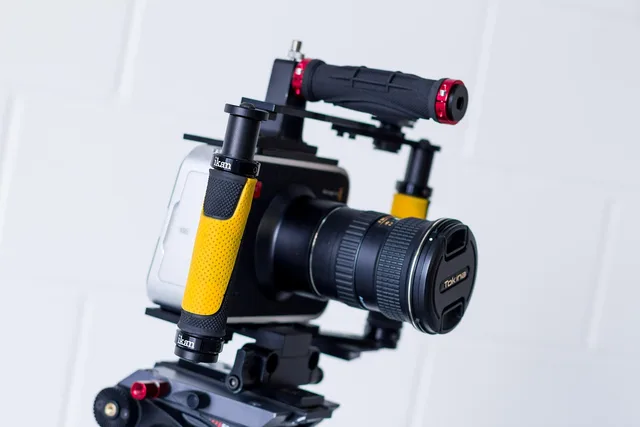
Camera: resolution and sensor, not brand
YouTube's own upload guidance recommends 1080p at minimum and lists the encoding settings it prefers. A modern phone shoots that. So does any mirrorless camera with a clean HDMI out.
Camera choice: sensor and lens
Modern phone
- Minimum resolution
- 1080p
- Sensor size
- Small
- Background blur
- Limited
- Low-light headroom
- Less
- Kit lens value
- N/A
Mirrorless camera
- Minimum resolution
- 1080p
- Sensor size
- Larger
- Background blur
- More
- Low-light headroom
- More
- Kit lens value
- Nothing extra
What separates them is the sensor and the lens, not the logo. A larger sensor buys you background blur and low-light headroom. A kit lens buys you nothing you cannot get from a phone.
Pick one camera and stop. A second body is a purchase you make when a second angle earns its keep, not before.
Light: one key, one fill
A face lit from one side and filled from the other reads as professional. A face lit from the ceiling reads as a security camera.
Lighting setup: key and fill
- Start with a window and white wall
- Add one LED panel as key
- Bounce with reflector as fill
- Set all lights to same colour temperature
- Skip three-point kit on day one
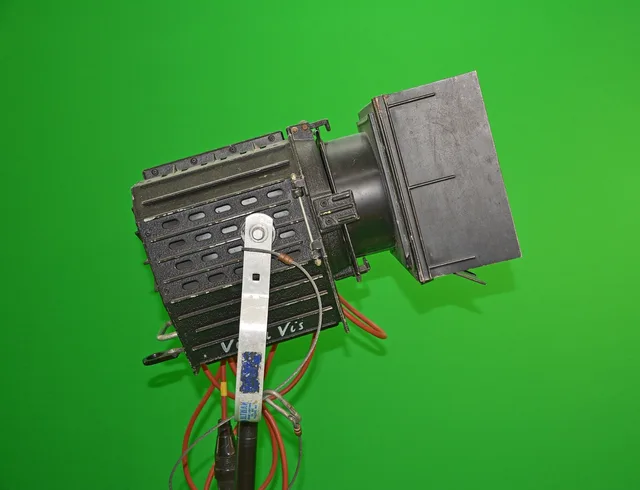
Start with a window and a white wall. When that is not repeatable, add one LED panel as a key and bounce it back with a reflector as fill. Colour temperature matters more than wattage: set every light to the same value and leave it there.
Do not buy a three-point kit on day one. The third light is a hair light, and it is the last thing a small channel needs.
Sound: the cheapest real upgrade
Viewers forgive soft focus. They do not forgive room echo.
Sound fixes that matter most
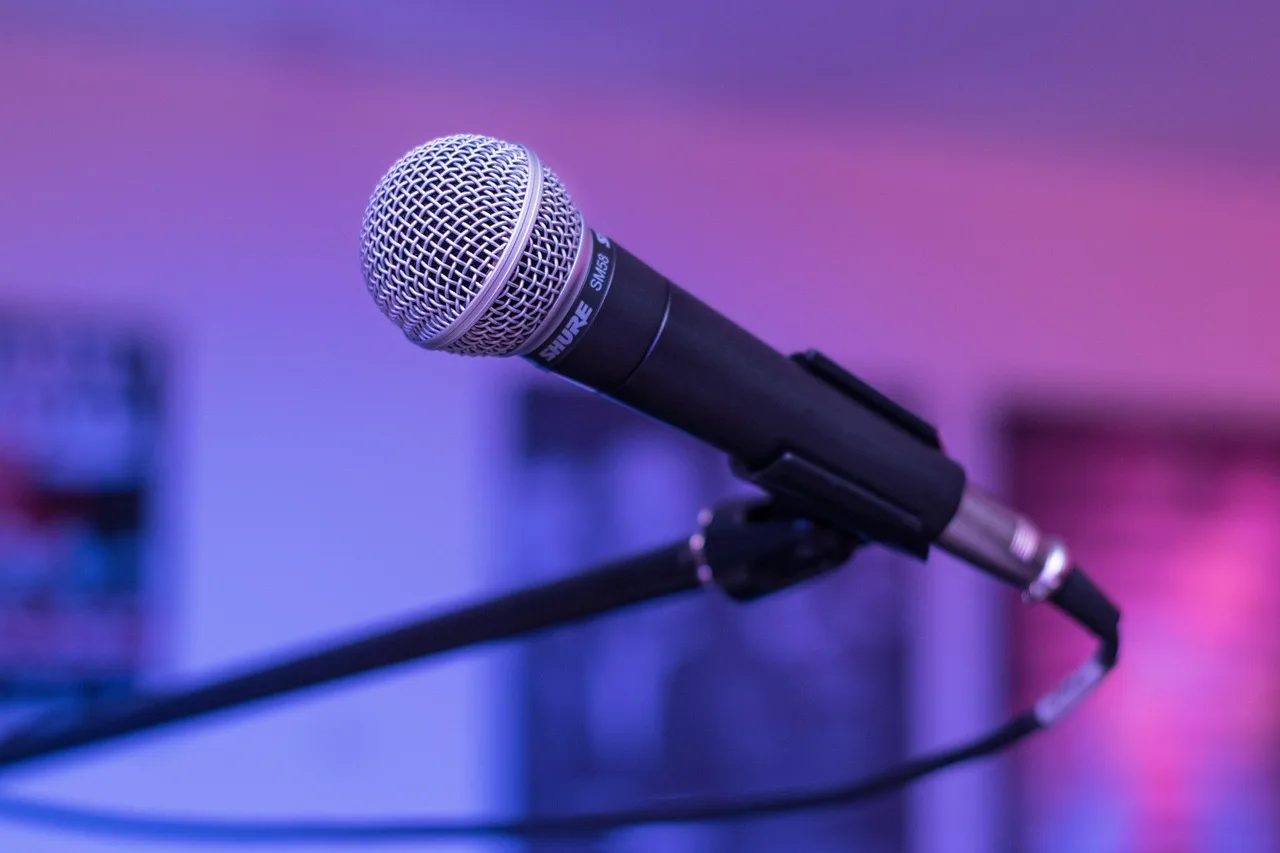
- Use lavalier or dynamic mic
- Record to separate track
- Treat room with rugs, curtains, bookshelf
- Fix distance and reflections
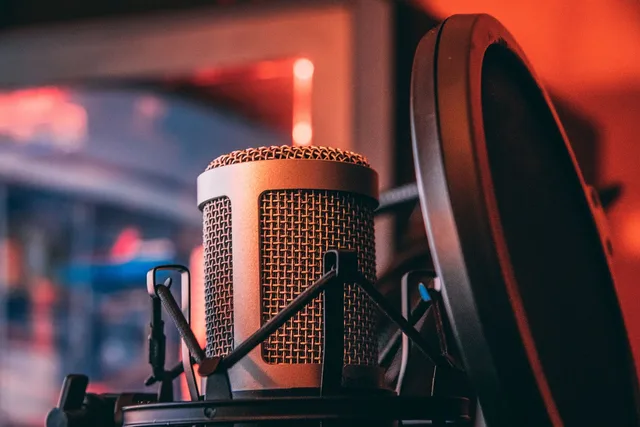
A lavalier clipped to a collar, or a dynamic microphone on a boom just out of frame, fixes the two problems that ruin most small-channel audio: distance and reflections. Record to a separate track if you can, so you can fix a bad take instead of reshooting it.
Treat the room before you treat the gear. Rugs, curtains and a bookshelf do more than a new preamp.
Export settings that survive upload
Shoot and export at the same frame rate. A 24fps timeline exported at 30fps stutters, and the stutter is baked in.
Export at the highest resolution you shot, at a bitrate YouTube's guidance lists for that resolution, in H.264 or the codec YouTube currently recommends. Upload the master, not a compressed copy of it.
For a 1080p 30fps upload, the published table lists about 8 Mbps. A 1080p 60fps upload lists about 12 Mbps, and 4K at 30fps roughly 35 to 45 Mbps. Export H.264 video with AAC audio, or whatever codec the table names today, and stop changing the preset once it matches.
Keep one export preset per format. The production workflow from idea to publish is easier to hand off when the last step never changes.
What to buy first, and what to wait on
| Priority | Item | Why it comes first |
|---|---|---|
| 1 | Lavalier or dynamic mic | Fixes the flaw viewers notice most |
| 2 | One LED key light | Makes every shoot repeatable |
| 3 | Tripod or stand | Removes handheld shake |
| 4 | Second camera | Only when a second angle earns its keep |
| 5 | Capture card, monitor, cage | Accessories for a workflow you already have |
Buy in that order. Each line earns the next one.
Check the rules before you spend
YouTube's monetization policies cover several requirements. The platform may review, limit or suspend a channel that falls short. These requirements include:
- Program eligibility for the YouTube Partner Program.
- Community guidelines.
- Copyright and rights clearances.
- Advertiser-friendly content rules.
- Authenticity rules. Read them at YouTube HelpYouTube Channel Monetization Policies before you build a workflow around a format.
If your setup involves rigging, cabling or electrical work, OSHA's safety management guidance is the reference for finding and fixing hazards before an inspection does it for you.
For the current tool and quality comparison, including gear by category and the price bands above, see the production tools and quality guide.
Common questions
What camera should a new YouTube channel buy?
Any camera that shoots 1080p with a clean audio input, including a recent phone. Spend the difference on a microphone and a light instead. A larger sensor and a faster lens are the upgrades worth saving for later.
Is 4K necessary for production quality?
No. YouTube accepts 1080p and most viewers watch on a phone. Shoot 4K only if you crop in post or deliver to clients who ask for it, and check YouTube's current encoding guidance for the bitrate that resolution needs.
How do I stop my audio sounding echoey?
Move the microphone closer and soften the room. A lavalier on the collar or a dynamic mic on a boom removes the distance, and rugs, curtains and soft furniture remove the reflections. A new preamp fixes neither.