Guides
YouTube channel production setup: choosing upgrades
A YouTube channel production setup guide to weak links, viewer-facing priorities, and a simple payback calculation for upgrade decisions.
What to take away
- Treat a YouTube channel production setup as a chain of linked components, and identify the failure an upgrade would prevent before spending.
- For each purchase, ask the question that fits that link, and write down the failure it prevents.
- One weak link sets your ceiling. A $3,000 camera behind a $60 lavalier still sounds like a $60 lavalier.
- An upgrade pays only if it lifts monthly revenue by more than its monthly cost. A $1,200 upgrade that lasts 24 months costs $50 a month.
- Rank spending by what the viewer notices firstaudio, then lighting, then framing, then resolution.
- Buy for the format you publish weekly, not the format you hope to publish someday.
- Check YouTube's monetization rules before you spend. Reused or low-effort content can be refused no matter how good the gear is.
This covers production decisions only. It is not advice on monetization qualification, ad income reporting or sponsorship disclosure, which turn on your content, audience and location. Ask a licensed CPA, tax attorney or qualified counsel.
The chain, and where it breaks
A YouTube setup is a signal path, not a shopping list. The cheapest component usually sets the quality of everything after it, so a purchase is only as useful as the weakest link beside it.
YouTube signal path chain
- Camera and lens capture the frame
- Microphone and interface capture audio
- Light shapes the face
- Software exports the codec
- Bandwidth uploads the file
- Viewer sees frame and hears audio
Start with audience performance, not a shopping list. YouTube Analytics can show watch time and audience retention patterns, but those patterns do not by themselves prove that a production purchase caused a change. Identify an audience outcome that matters for the format you publish, then inspect whether framing, audio, lighting, editing or upload constraints could plausibly affect it. Name every link before you buy: camera, lens, microphone, interface and capture software, then key light, fill light, editing software and upload bandwidth.
This list asks a different question: what breaks.
Match audience signals to production constraints
Ask the question that fits the link you suspect is limiting the published video, and write down the failure it prevents. Compare videos in the same format and use the audience pattern to decide what to inspect; it suggests a question, not proof that equipment caused the result. The table gives one prompt and failure mode for each link.
Skeptical buyer gear checks
- Camera records past 30 minutes without overheating
- Lens aperture f/2.8 or faster
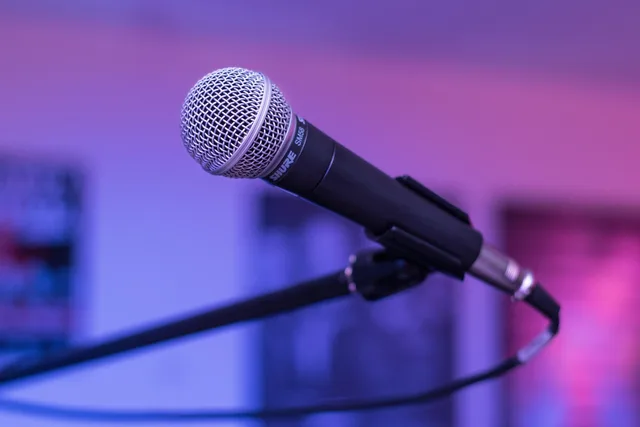
- Microphone is dynamic, not condenser
- Interface supplies 60dB of gain
- Light can take a softbox
- Software exports YouTube's codec
- Upload speed handles 4K files
| Item | Question to ask | Failure mode |
|---|---|---|
| Camera | Does it record past 30 minutes without overheating? | Shutdown mid-take |
| Lens | Is the aperture f/2.8 or faster? | Grainy footage in dim rooms |
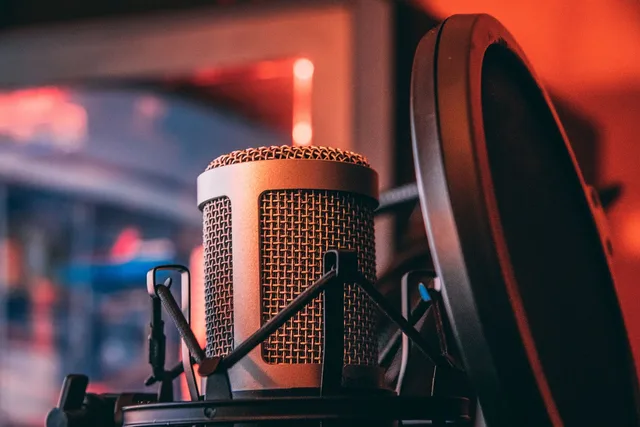
| Microphone | Dynamic or condenser? | Condenser picks up the room |
| Interface | Does it supply 60dB of gain? | Hiss when you raise levels |
| Light | Can it take a softbox? | Harsh shadows on the face |
| Software | Does it export the codec YouTube wants? | Long uploads, soft image |
| Bandwidth | What is your upload speed? | A 4K file that takes all night |
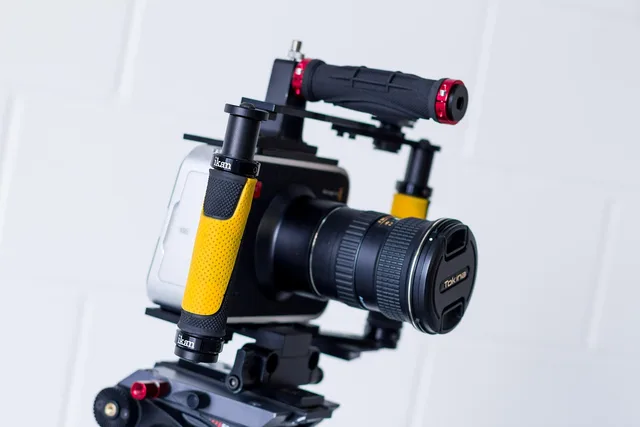
Two rows repay a closer look. A mirrorless body with clean HDMI output and no recording time limit is the workhorse, and a flip screen and a headphone jack matter more than sensor size for talking-head work. A dynamic microphone ignores the room reflections that a condenser would capture.
A dynamic mic also needs gain, so check that the interface supplies it before you check the price. For two people at one table, two dynamic mics on separate channels beat one shared mic, because you can fix a cough in the edit. How the production decisions fit together is a separate read.
The payback test for an upgrade
Suppose your channel earns $R per month from ads and sponsorships. Your current setup costs $C to replace and lasts about 24 months. Your monthly gear cost is C divided by 24.
Upgrade payback arithmetic
- $1,200upgrade cost
- 24 monthsgear lifespan
- $50/monthwatch-time revenue lift needed
- 2 yearspayback window
If a $1,200 upgrade lifts watch time enough to raise R by more than $50 a month, it pays for itself inside two years. Use YouTube Analytics to check whether audience response moved, and channel revenue records to verify whether R actually changed; a watch-time change alone does not establish a revenue lift. If it does not, the upgrade is a hobby purchase wearing a business hat. Substitute your own R and C, because no published benchmark tells you what your audience will do.
- Write down R, the monthly revenue the channel earns today, and the audience signal the upgrade is meant to affect.
- Write down C and divide it by 24 for the monthly cost of the gear.
- State the monthly lift in R you honestly expect, using audience response in YouTube Analytics and channel revenue records to assess it.
- Buy only if the lift is larger than the monthly cost.
Where the money should go first
The trap is treating a visible upgrade as an analytics diagnosis. A creator buys a $2,000 camera and records into the built-in mic; a retention dip at the 30-second mark is a cue to inspect the opening and audio chain, not proof that resolution caused it. Spend in the order the viewer notices, not in the order the spec sheet impresses.
Spending priority by viewer notice
- Audiofirst
- Lightingsecond
- Framingthird
- Resolutionfourth
Rank your spending by what the viewer notices first: audio, then lighting, then framing, then resolution. A viewer forgives a soft image but not a room that sounds like a bathroom. Acoustic foam panels and a rug do more for perceived quality than a lens upgrade, because hard walls create the echo viewers describe as amateur.
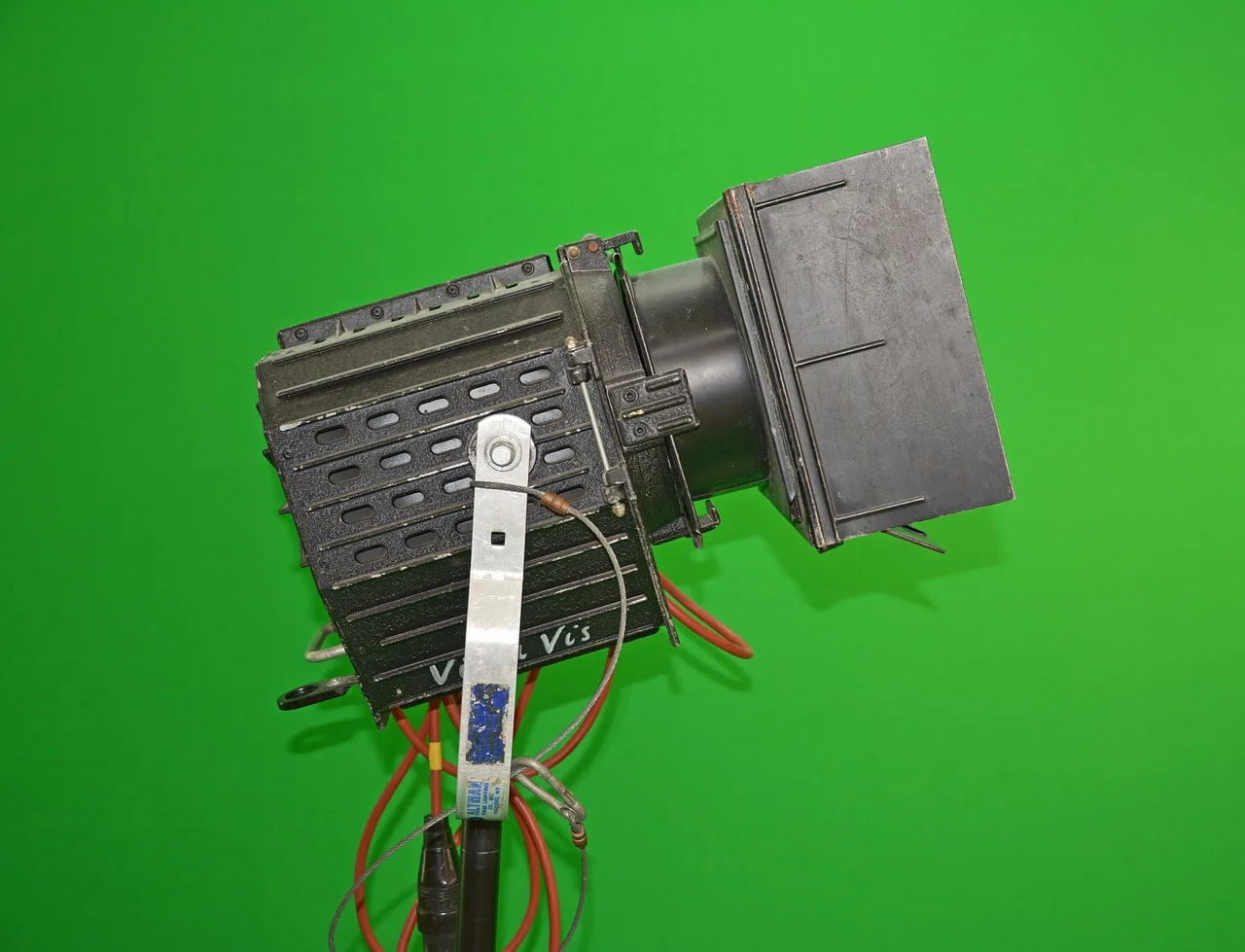
Lighting follows the same logic. Two lights and a diffuser cover most setups: a key light at 45 degrees, a fill on the opposite side, and a practical lamp behind you for separation. A softbox the size of your torso softens shadows, and a bare LED does not. The production tools guide lists the tools by job.
Rules and safety that outrank the gear
YouTube's monetization policies govern what the platform will run ads against. Reused content, low-effort compilations and content that does not add commentary can be refused even when the production is flawless. That matters before purchase, not after.
Rules that outrank gear
Does your format reuse others' footage?
monetization may be refused
production quality is the constraint
If your format depends on reacting to someone else's footage, the camera is not the constraint. Read the rules first, and see the content and production guide before you commit a budget to one format.
The OSHA safety management guidance is written for workplaces, and it applies to a studio the moment you run cables across a floor, hang lights overhead or operate a space with staff. It takes a proactive approach: find and fix the hazard before it becomes an injury.
OSHA's business case for safety adds the money argument. Employers that implement effective safety and health programs may expect to reduce injuries and the costs that follow, which is the same payback logic applied to a studio.
Common questions
Do I need a 4K camera to start?
No. 1080p at a clean exposure and good audio outperforms shaky 4K, and most viewing happens on phones. Buy 4K when your editing machine and upload connection can handle the files, and check the editing software first.
Is a USB microphone good enough?
For a solo channel in a treated room, yes. A USB mic removes the interface from the chain. Move to an XLR dynamic mic and interface when you add a second person or the room noise becomes audible.
How much should lighting cost?
Two dimmable LEDs with softboxes cover most small studios. Expect to spend roughly $300 to $500 for the pair, plus diffusion. Spend on diffusion before you spend on brightness, because a soft source at low power looks better than a hard source at full power.
What about the monetization rules?
YouTube decides eligibility, and the rules change. Read the current monetization policies, keep your content original, and take tax or contract questions to a licensed professional rather than a forum. For what fees and payouts look like once you qualify, see platform fees and payout rules.