Guides
Sorting Youtube channel production tools by what they actually do
A working sort of YouTube production tools by job: capture, sound, light, editing, graphics and channel operations, with what each one is for.
What to take away
- Sort tools by the job they do on a shoot day. Brand and price come second. The jobs are capture, sound, light, edit and graphics, plus publishing and channel operations.
- One weak link sets the ceiling. A $2,000 camera behind a $40 lavalier still sounds like a $40 lavalier to every viewer.
- Buy the second microphone before the second lens. Audio faults are the ones viewers close the tab over.
- Keep a written record of what each tool cost, when it was bought and what it earns. The IRS asks a business to show income and expenses clearly.
- Test a tool on one real upload before it becomes the channel standard.
This article covers creator-business operations in general. It is not platform, tax, copyright, endorsement or legal advice.
YouTube's Partner Program terms, monetization policies and advertiser-friendly rules change, and they apply differently by country, audience and content. Check the current versions and take qualified advice before you act.
How this list is sorted
A tool earns its place on this list by doing one job that nothing else on the shelf does. Everything below is sorted by that job:
- capture
- sound
- light
- edit
- graphics
- publishing
- channel operations
Prices below are typical retail figures, not quotes. Check the dealer for the current number.
Capture: the camera is rarely the bottleneck
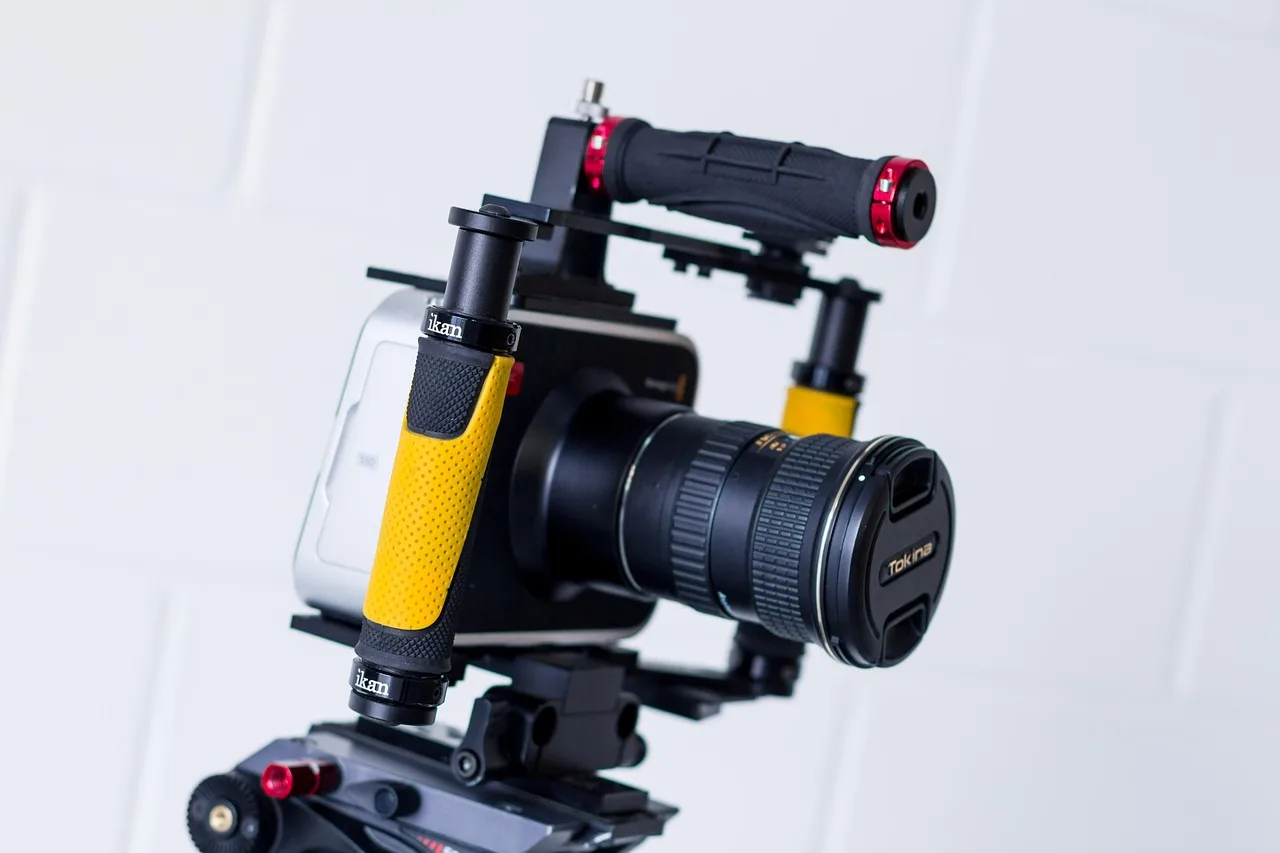
The camera decides resolution, frame rate, dynamic range and how long it can run before it overheats. It does not decide whether the video is any good.
Sony ZV-E10 is an interchangeable-lens camera for solo creators. It has a flip screen, a directional mic on top and clean HDMI out. It suits a talking-head channel that plans to grow into different lenses. Body only, it typically lists around $700.
Canon EOS R50 does the same job with Canon's autofocus, which tracks a face well when you are alone in frame. It typically runs $700 to $800 with the kit lens.
Panasonic Lumix G7 is older and cheaper, and it still shoots unlimited-length 1080p. That matters if you record long sessions. Used bodies typically sell for a few hundred dollars.
If you record at a desk and never move, a Logitech Brio or the camera already in your phone will out-resolve your lighting. The Brio is a 4K webcam that typically runs $130 to $200. The upgrade that changes the picture is a lens with a wider aperture, not a newer sensor.
Sound: the tool most channels underbuy
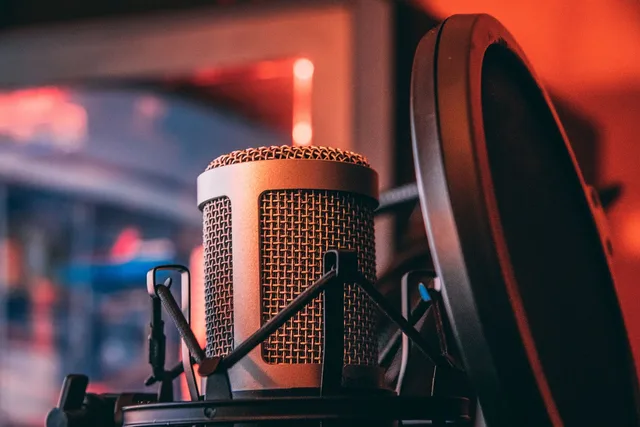
Viewers forgive soft focus. They do not forgive hiss, room echo or a mic that clips when you laugh.
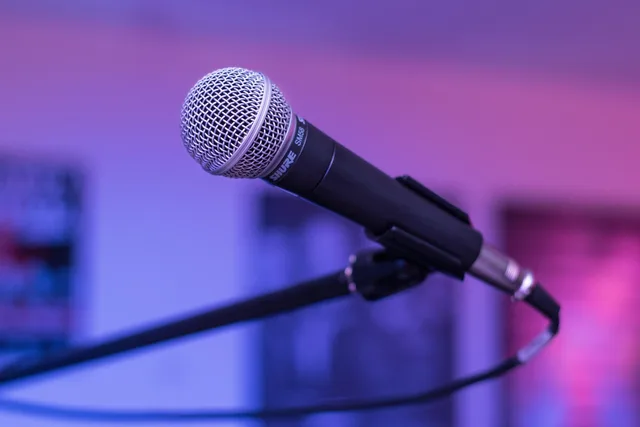
Shure MV7 is a dynamic USB and XLR microphone built for close speech. It rejects room noise better than a condenser, which is why it suits untreated rooms. It typically lists around $250.
Rode Wireless GO II is a two-transmitter clip-on kit for interviews and walk-and-talk shoots. Each transmitter records a backup track. The kit typically sells around $300.
Zoom H1n is a handheld recorder for room tone, ambience and backup audio. It typically costs about $120.
The check that matters: record thirty seconds, listen on phone speakers, then on headphones. If the room sounds like a bathroom, treat the room before you buy another microphone.
Light and support: cheap tools that change everything
Light is the cheapest visible upgrade in the kit. Aputure Amaran 100d is a daylight-balanced LED with a Bowens mount, so it takes softboxes and grids. It typically lists around $180.
Godox SL60W is the budget version of the same idea, typically under $150.
A Neewer 5-in-1 reflector costs less than a memory card, often under $25, and fixes shadow under the eyes.
A Manfrotto Befree travel tripod typically runs $200 to $300. A Neewer overhead desk arm holds a top-down camera for unboxings and demonstrations, typically $30 to $60. Neither is exciting. Both stop the shot from wobbling.
Edit and graphics: where the hours go
Adobe Premiere Pro is the subscription standard. It suits editors who already know it or who need to hand projects to freelancers. The single-app plan typically runs about $23 a month in the US.
DaVinci Resolve has a free tier that covers most channels. The one-time Studio license typically costs about $295. Its color tools are the reason colorists use it.
Final Cut Pro is a one-time purchase of about $300 on the Mac, and it renders fast on Apple silicon. CapCut handles short vertical edits on a phone, with a free tier and a paid Pro plan.
Canva covers thumbnails and lower thirds for people with no design background. It has a free tier and a Pro plan that typically runs about $15 a month.
Adobe Photoshop is the tool for thumbnail work that needs cut-outs and layered text. On its own it is a subscription of about $23 a month.
OBS Studio is free and handles screen capture, webcam framing and live streaming in one window.
If you have never edited before, pick one editor and stay in it for a year. Switching costs more than any license fee.
Publishing and channel operations
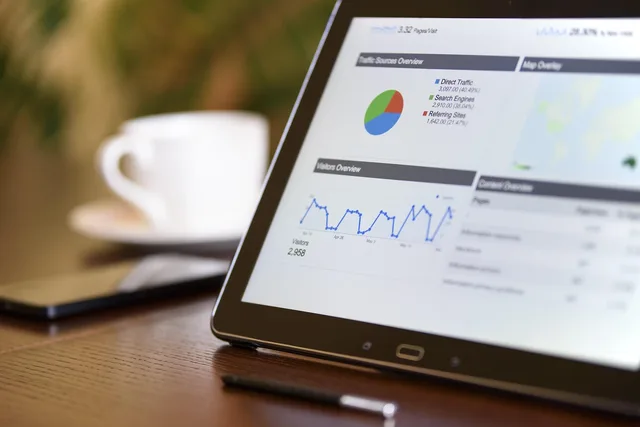
YouTube Studio is where the upload, the thumbnail, the chapters, the end screen and the monetization settings live. It is also where you read retention, impressions and traffic sources.
TubeBuddy and vidIQ sit on top of it with keyword research, tag suggestions and competitor tracking. Both charge a monthly subscription; paid tiers typically start under $10 a month.
Notion or a plain spreadsheet holds the content calendar, the sponsor deliverables and the publish dates. That is the tool that stops a sponsorship deadline from being missed.
Keep the money side equally plain. The IRS recordkeeping guidance says a business can choose any system that clearly shows income and expenses, and should keep documents supporting purchases, sales, payroll and assets.
For a channel, that means receipts for every camera, mic and license, plus the sponsor invoices that paid for them.
How you report that income, and what you can deduct, is a question for a licensed CPA.
What to check before you buy
- Name the job the tool does that nothing you own already does.
- Record the price, the purchase date and the serial number on the day it arrives.
- Test it on one real upload before it becomes the channel standard.
- Check that it works with the cables, mounts and software you already have.
- Decide who is allowed to use it and where it is stored.
A tool that sits in a drawer still depreciates. If it has not been used in three months, sell it or lend it, and put the money into the weakest link in the chain.
Safety and workspace
A camera on a high shelf, a light stand in a walkway and a cable across a doorway are the ordinary hazards of a home studio.
The OSHA safety management guidance describes a proactive program that finds and fixes hazards before an injury or an inspection exposes them.
For a one-person channel, that means strapping light stands, taping cable runs and keeping a fire extinguisher within reach of the desk.
The same logic covers electrical load. A ring light, a monitor, a computer and a heater on one extension cord is a question for a qualified electrician, not for a blog.
Worked example: a two-person interview channel
Say the channel publishes one interview a week. The camera is a Sony ZV-E10 with the kit lens. The sound is two Rode Wireless GO II transmitters into the camera, with a Zoom H1n as backup.
The light is one Amaran 100d through a softbox, plus a reflector. The edit is DaVinci Resolve, free tier. The thumbnail is Canva. The calendar is a Notion board.
The order of purchase matters more than the list. Buy the second microphone first, because a two-person interview with one mic fails on the first upload. Buy the light second, because it fixes every future video. Buy the second lens last, when a specific shot demands it.
For a fuller order of operations on the room itself, see the channel production setup checklist.
Common questions
Do I need a camera, or is a phone enough?
A recent phone shoots better video than a cheap camcorder, and it is the right starting point. Move to a dedicated camera when you need a clean HDMI feed, interchangeable lenses or unlimited recording time. Until then, spend the money on sound and light.
How much should a new channel spend on tools?
There is no universal figure, and any article that gives one is guessing. Work backwards instead: decide what the channel earns per month, decide what share of that you will reinvest, and buy the single tool that removes the biggest fault in your last upload. Repeat monthly.
Which editing software should a beginner pick?
Pick the one with the most tutorials for your kind of video, then stay in it. DaVinci Resolve is free and capable. Premiere Pro is the industry default if you plan to hire editors. CapCut is enough for vertical shorts.
How do I keep track of all this for tax and insurance?
Keep receipts, serial numbers and purchase dates in one folder from day one, and keep sponsor invoices beside them. The IRS describes the standard a business recordkeeping system should meet; a CPA applies it to your situation. For insurance, list the replacement value of each item, not what you paid.